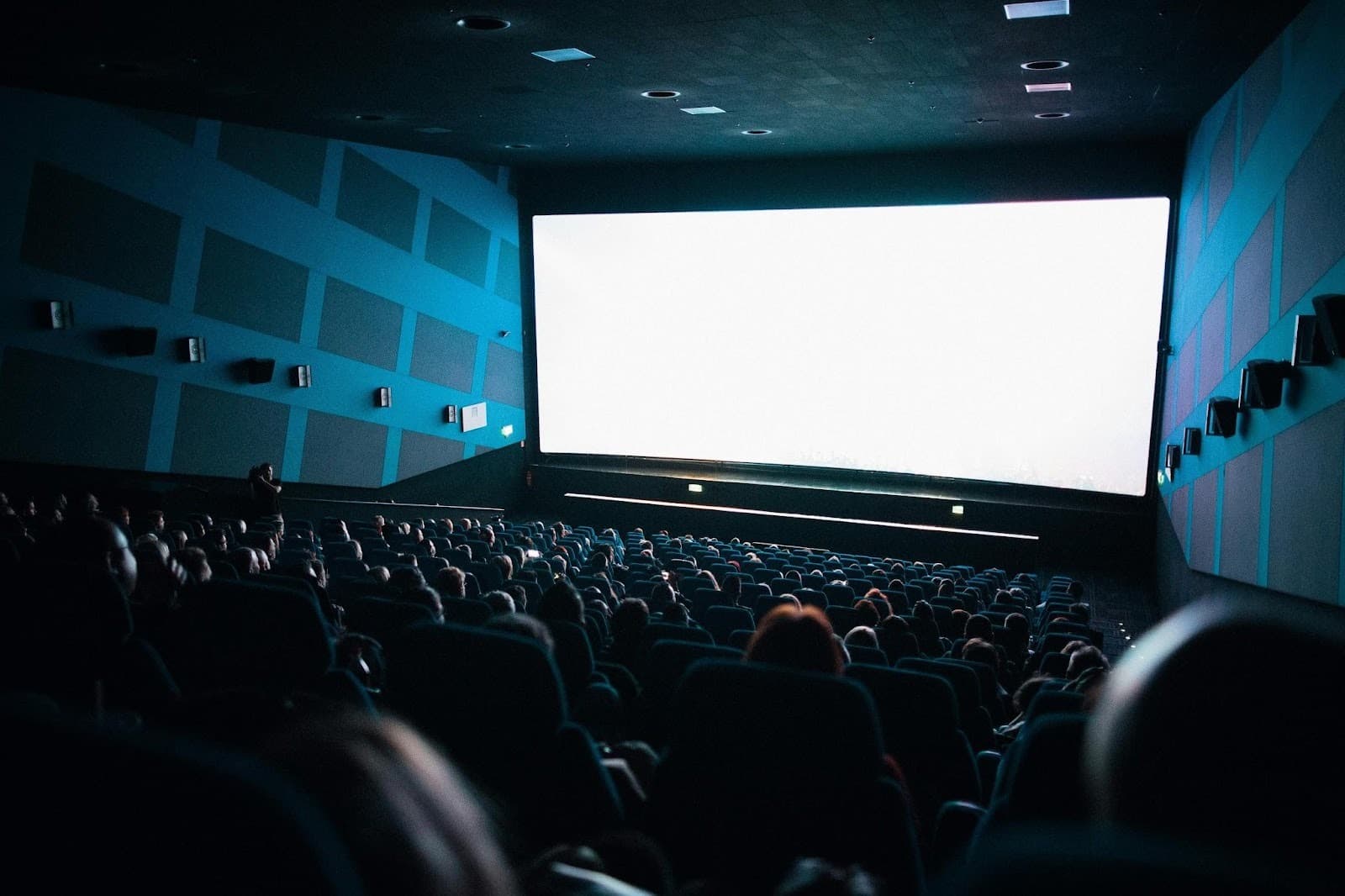
A Full Guide Regarding Practical Internal Video Wall Setup Options
Internal video walls can do a lot for lobbies, control rooms, retail floors, and event venues. The trick is matching the room and the goal with the right hardware, mounting, and control workflow. This guide walks through practical choices so you can design, install, and operate a screen that looks great, stays safe, and is easy to live with day to day.

Assess Viewing Goals And Pixel Pitch
Start with what people need to see and from how far away. If viewers stand close and read small text, choose a tighter pixel pitch and plan for higher processing quality. If the wall is mostly for bold visuals at a distance, a wider pitch can lower cost and weight without hurting impact.
Think about reflections, ambient light, and color accuracy before you lock in specs. A bright atrium with glass may need more headroom in nits and better black levels, while a dim briefing room can use lower brightness to improve comfort.
Plan Mounting, Clearances, And Safety
Your mounting choice affects service paths, load paths, and cable routing, so decide on it early. Before you commit to a chassis, consider whether flexible indoor LED wall rentals let you test pixel pitch and service access in your actual room, then finalize a permanent design. For permanent installs, confirm what is behind the wall, how you will anchor into the structure, and where front or rear service will happen.
Map exact clearances at the screen edges, floor, and ceiling. Add space for ventilation, emergency egress, fire devices, and the swing of any service tools. Label power and data paths so crews know what can be removed and what must remain.
Meet ADA Protrusion Requirements
If your wall extends into a corridor or public path, confirm the protrusion depth and mounting height. Guidance from the U.S. Access Board explains that wall-mounted objects with leading edges between 27 and 80 inches above the floor must not project more than 4 inches, which shapes cabinet depth, shrouds, or recesses.
A shallow, direct-mount system, or a recessed niche with a protective trim, can keep you inside that limit. Plan for edge guards and corner protection where carts or luggage could impact the screen.
Power And Circuiting For LED Walls
Estimate total load early so your electrician can size circuits and distribution correctly. Group tiles by column or row so one breaker trip does not black out the whole canvas, and consider a UPS for processors and network gear. Keep power and data in separate conduits to reduce interference, and label everything clearly at the rack and at the wall.
Typical Load Planning
Design to the highest expected brightness for worst-case draw, then cap operating brightness in software for everyday use. Place shutoffs where staff can reach them quickly, and keep spare power supplies on hand so a single failure does not force a full shutdown.
Permits And Local Code Checks
Even indoor video walls can trigger signage or electrical permit requirements, depending on your city and the building’s use. In New York City, the Department of Buildings notes that illuminated sign permits must be renewed annually, which is a good reminder to check renewal rules and documentation cycles where you operate. Confirm structural sign-off if you hang the wall, and coordinate fire alarm work if devices move.
Coordinate inspections with facilities and security teams so you do not block cameras or emergency equipment. If your content includes wayfinding or safety information, make sure it aligns with local accessibility and language rules.
Processing, Control, And Content Workflow
Choose processors that match your input types, EDID management needs, and future scaling plans. If you will split the wall for multiple feeds, map zones in the processor and name them in a shared document so operators can hand off shifts cleanly. Keep a spare processor profile backed up on removable media for quick swaps.
Daily Operations
Create a short runbook for start-up, brightness targets by time of day, and power-down steps. Include fault lights to check, who to call, and where spares live – this saves minutes when something goes wrong.
Service Access And Environmental Factors
Service is easiest when you plan for it. Decide on front or rear service, then leave enough clearance for a lift or a step platform, plus space to store removed modules while you work. Track module serials so color calibration and uniformity stay consistent after repairs.
Mind temperature, dust, and humidity inside the room and behind the wall. Seal penetrations to keep debris out, and schedule light cleaning to prevent buildup that can trap heat or dull the image.
Image Source: https://unsplash.com/photos/person-discussing-while-standing-in-front-of-a-large-screen-in-front-of-people-inside-dim-lighted-room-bzdhc5b3Bxs
A good internal video wall is more than tiles on a frame – it is a system that blends viewing needs, safety, power, permits, and daily workflows. If you plan those pieces together, your screen will look sharp on day one and stay reliable when the schedule gets busy.